AI operations
Plan a league schedule with AI and still review every decision
AI can reduce schedule setup and change-management work when organizers supply the right constraints and keep the review step in front of publication.
By Ledge · Last reviewed August 5, 2026
Prepare the schedule inputs
Before requesting a draft, confirm the teams, season dates, game count, playing days, venues, courts, time slots, and playoff needs. A schedule is only as useful as the constraints it reflects.
For example: “Draft an eight-game-per-team schedule from September 9 through November 7, Tuesdays and Thursdays at North Gym Court 1 and Court 2, with 6:00 and 7:15 PM slots. Don't apply it yet.”
Request a draft, not an immediate application
Ask Ledge AI to generate a schedule draft first. This keeps the proposal separate from the live league schedule while organizers evaluate the fixtures.
Review fixtures against the operating constraints
Check matchups, dates, venues, courts, and time slots against conflicts and existing games. Confirm that the draft's scope is the league and season you intended before approving it.
When the assistant prepares a data-changing action, its confirmation card lists the proposed action and relevant warnings. This confirmation is required before the change affects league data.
Apply only after organizer review
After the schedule is right, confirm it. If existing fixtures are present, assess the warning carefully because a new schedule can replace those fixtures.
The broader Ledge AI hub explains the same approval boundary for teams, staffing, announcements, and other league operations.
Preview recurring changes and communicate the approved result
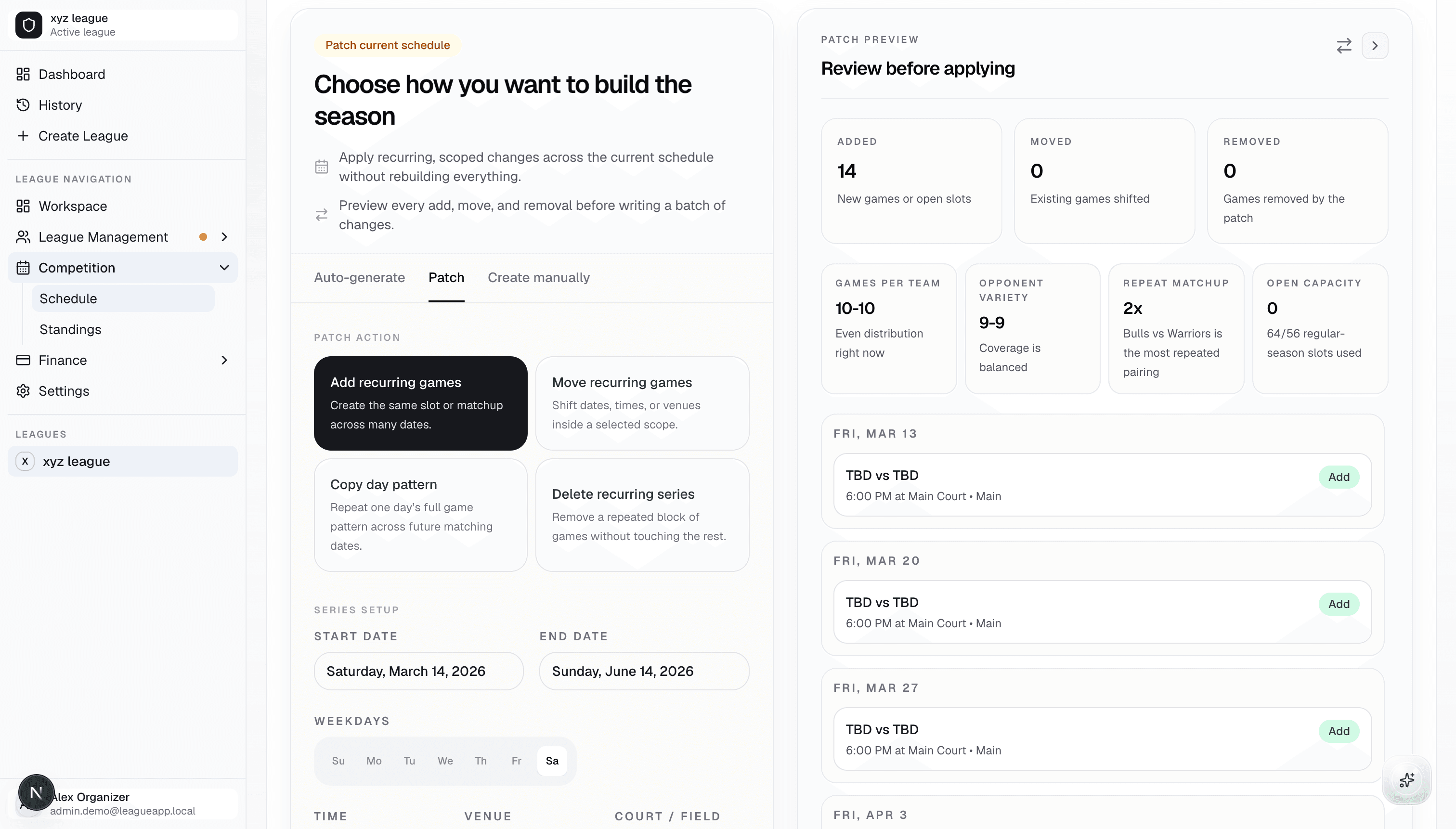
For a recurring change, such as moving a group of Tuesday games, request a schedule-patch preview before applying it. For a single game, use a focused update so the scope stays clear.
Once a change is approved, organizers can prepare and review an announcement for participants. Keep final communication and policy decisions with the people responsible for the league.
See the workflow in Ledge
Explore how program setup, registrations, reviews, and team preparation stay connected in one workspace.
Explore AI league scheduling