Running a league · Feature guide
League communications
Keep league announcements and conversations connected to the people and teams involved.
Screenshots captured October 21, 2026 · Demo workspace
Open the page
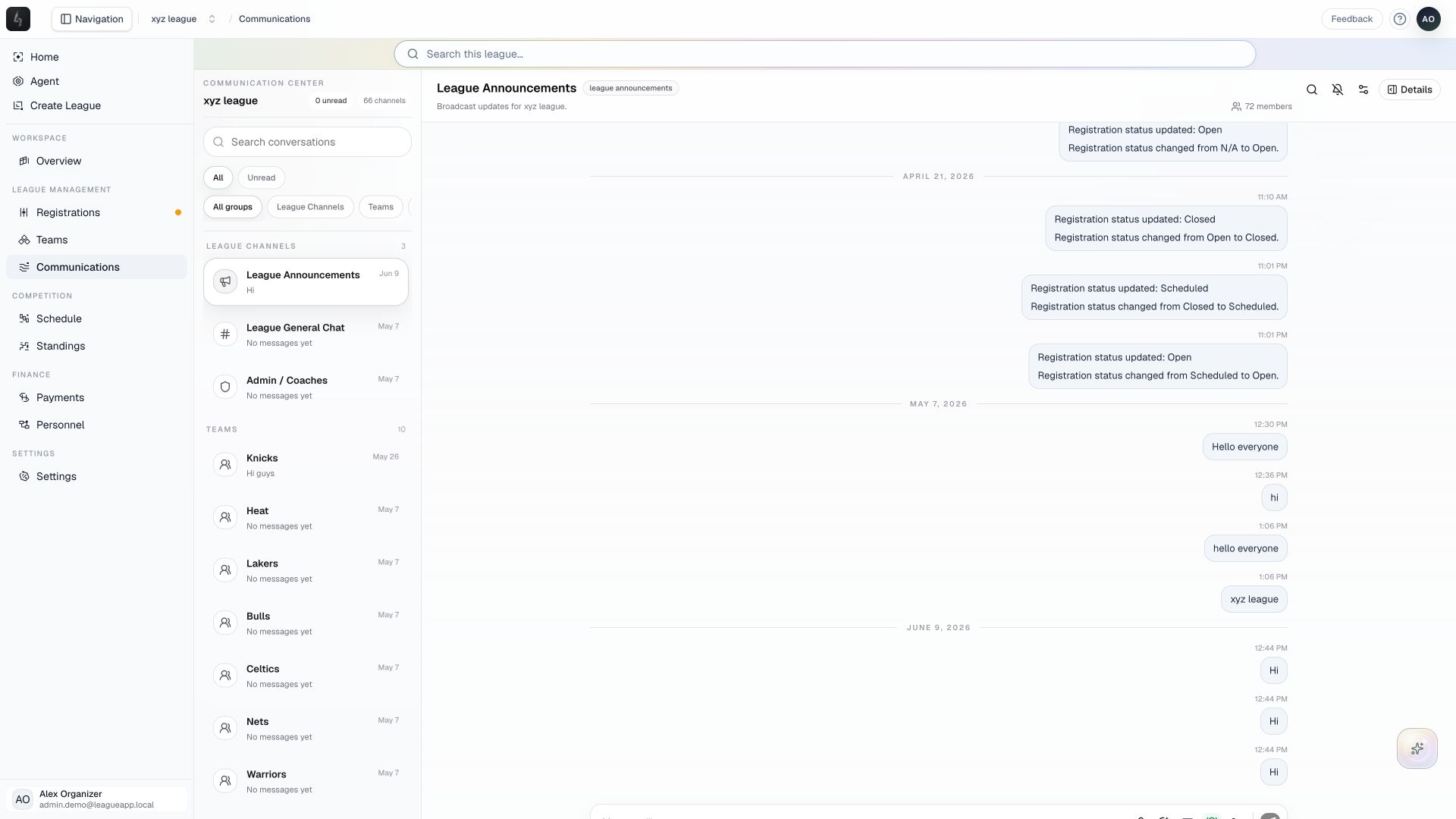
Select a league and choose Communications from the sidebar.
In the workspace
How to use it
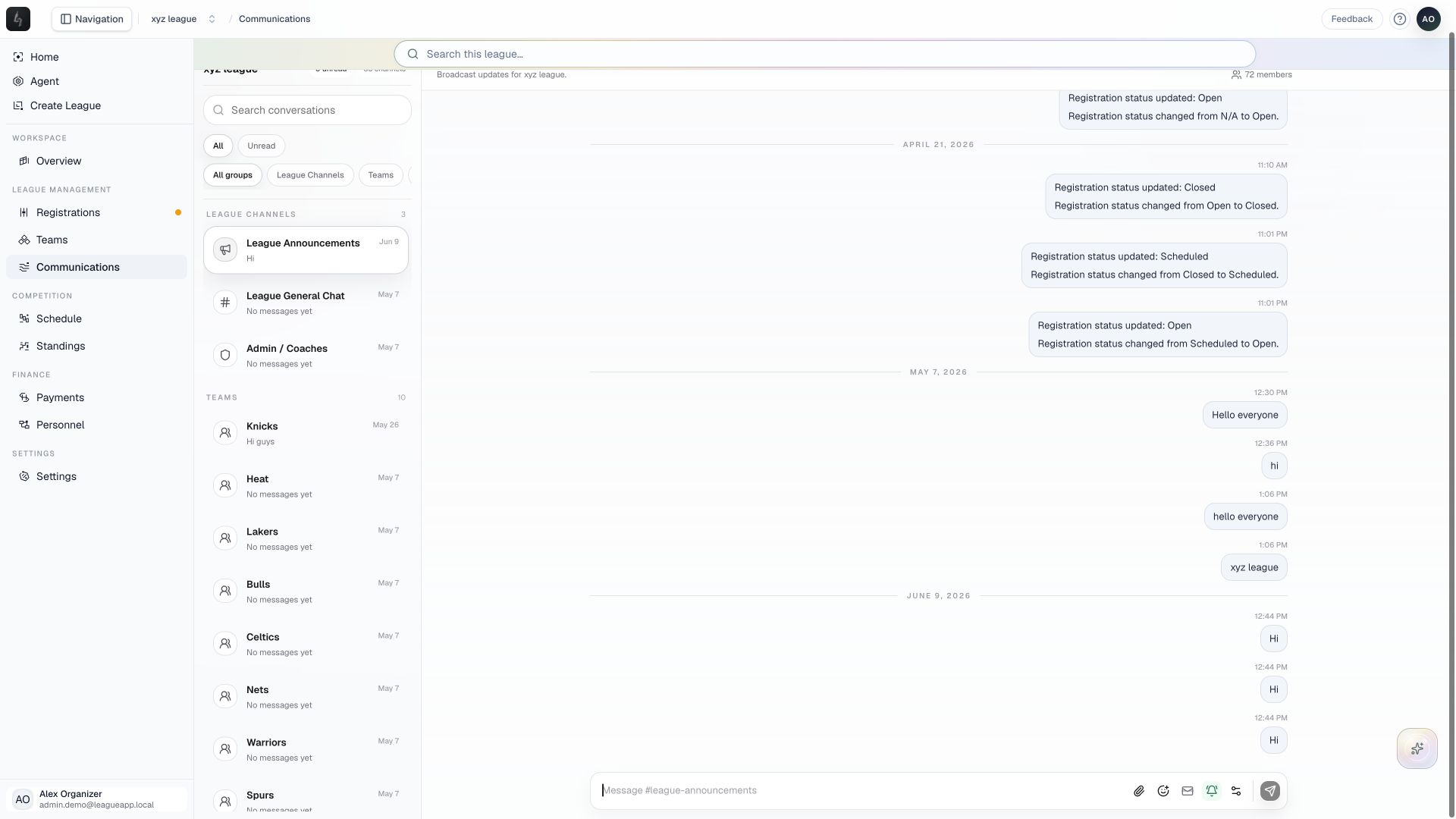
- Use Search conversations and the group filters to find a league, team, or event channel. Choose League Announcements for a league broadcast.
- Review the thread and use Details to check the channel’s context and participants before composing a message.
- Write the update in the channel composer. Review the attachment, priority, email-alert, and delivery options as needed, then check the audience and content before sending.
- Use team and league context to keep follow-up conversations in the right place.
Things to check
Publishing or sending a message makes it visible to its recipients. A draft alone is not a delivered announcement.
In-app conversations and email delivery are different surfaces. Check the available delivery information when you need to verify an email.