Running a league · Feature guide
Standings and results
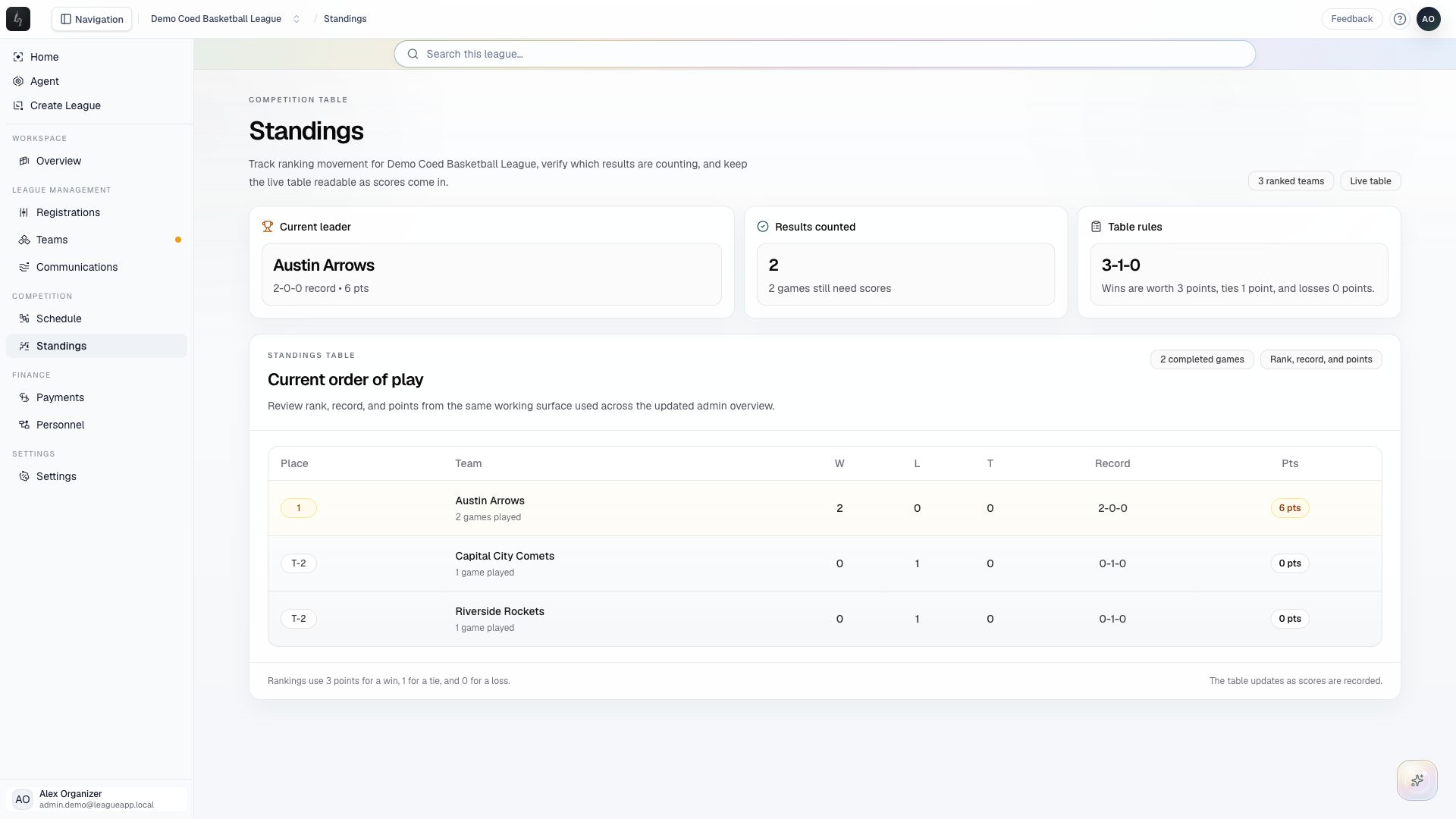
Check the competition table and understand which scored games contribute to the rankings.
Screenshots captured October 21, 2026 · Demo workspace
Open the page
Select a league and division, then choose Standings from the sidebar.
In the workspace
How to use it
- Review the current leader and Results counted summaries.
- Read the standings table for team records and points.
- If results are missing, open Schedule and check that both teams’ scores have been entered for the completed game.
- Return to Standings to verify the table after correcting a result.
Things to check
The table uses three points for a win, one for a tie, and zero for a loss.
A game with missing scores does not count as a completed result. An unscored season can show teams without a leader.