Running a league · Feature guide
Personnel and coverage
Maintain league staff and review coverage across scheduled games.
Screenshots captured October 21, 2026 · Demo workspace
Open the page
Select a league and choose Personnel from the sidebar.
In the workspace
How to use it
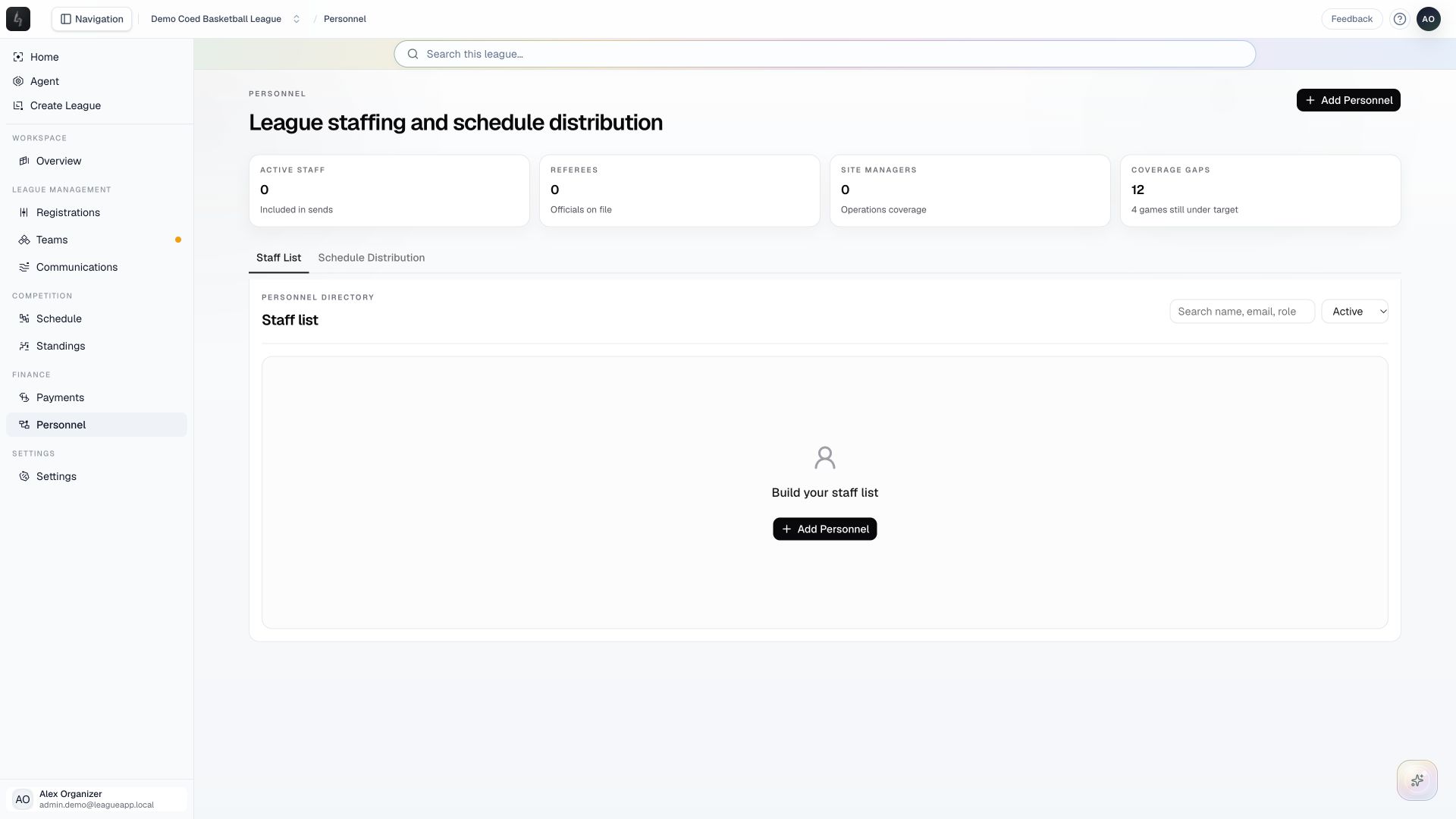
- Use Staff List to review personnel and their roles, such as referee, site manager, or scorekeeper.
- Choose Add Personnel to enter a staff member’s role and details. Keep active status, experience, and availability constraints current.
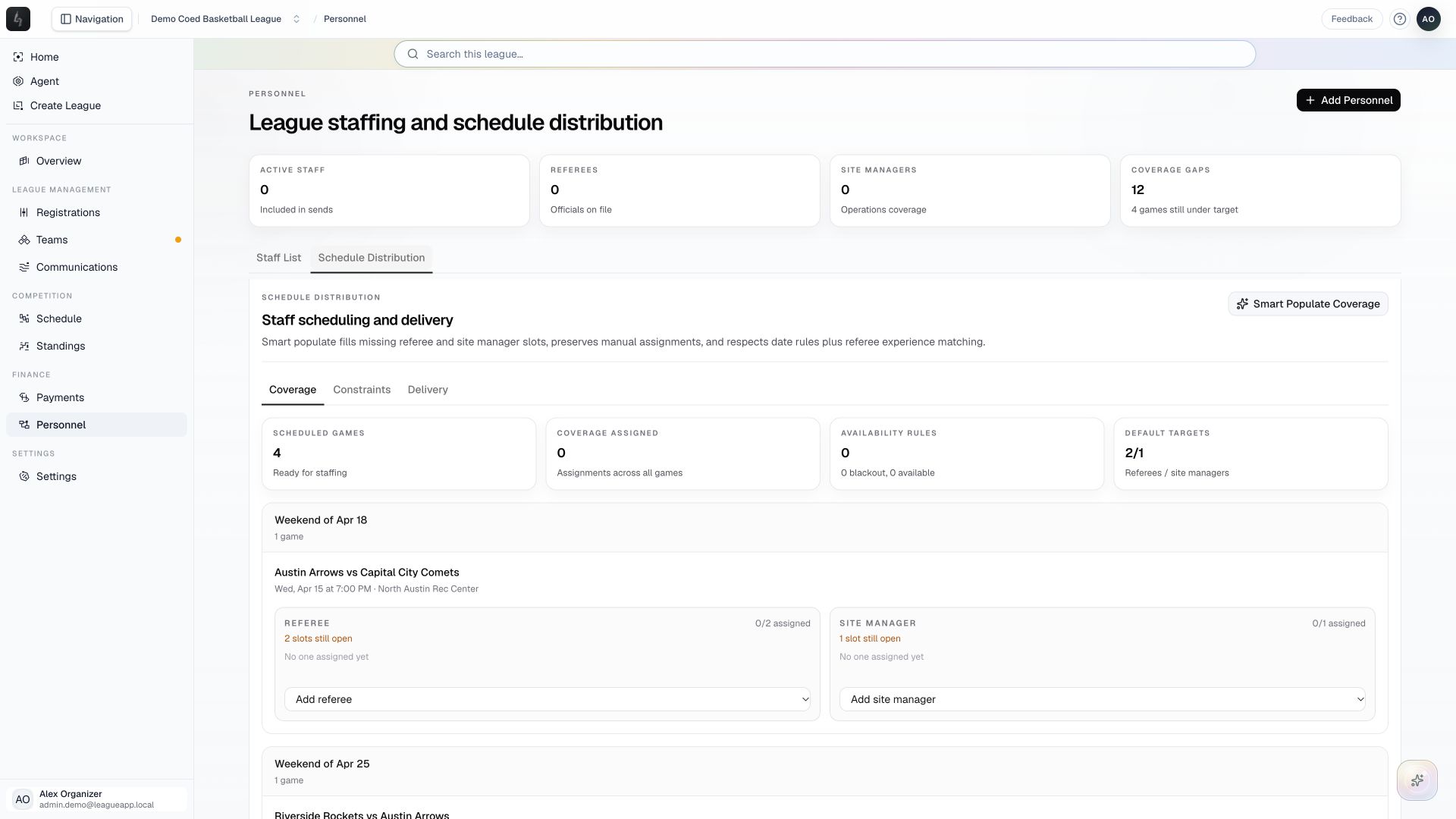
- Open Schedule Distribution to inspect coverage, constraints, and delivery information.
- Use the Coverage, Constraints, and Delivery tabs for game assignments, availability rules, and delivery follow-up. Check staffing targets before using Smart Populate Coverage, then review its result.
Things to check
Coverage needs both scheduled games and active personnel. An empty staff list is a valid starting state.
Regenerating assignments can change existing coverage. Review warnings before confirming that operation.