Getting started · Feature guide
Seasons and divisions
Review season status and keep separate competition groups organized within a league.
Screenshots captured October 21, 2026 · Demo workspace
Open the page
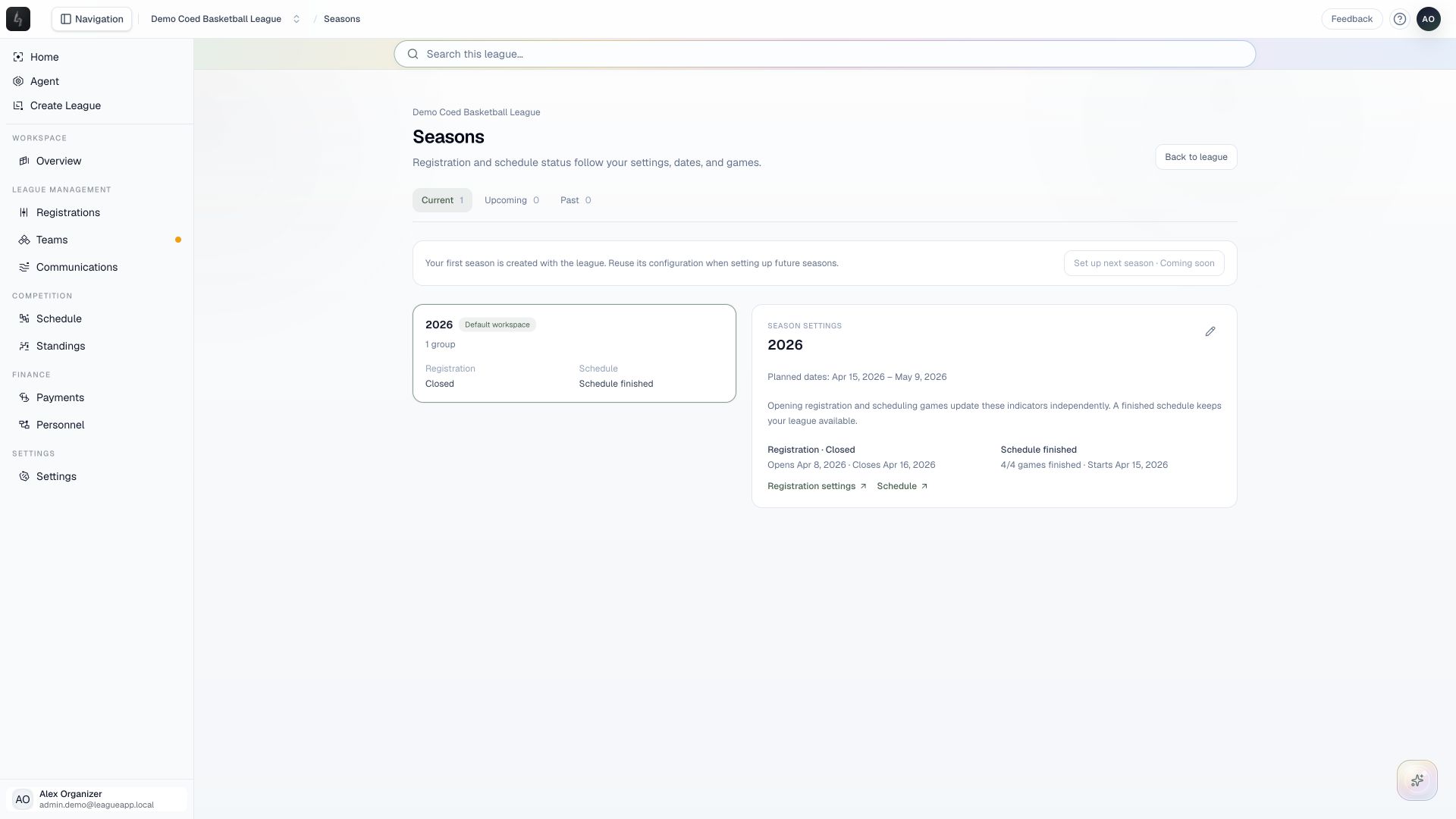
Choose Seasons from the league Overview, or use Settings → General → Manage seasons. Multi-division leagues also have a Divisions workspace.
In the workspace
How to use it
- Review the current season and the divisions participating in it.
- Use the season view to distinguish Current, Upcoming, and Past seasons before opening a season’s workspace.
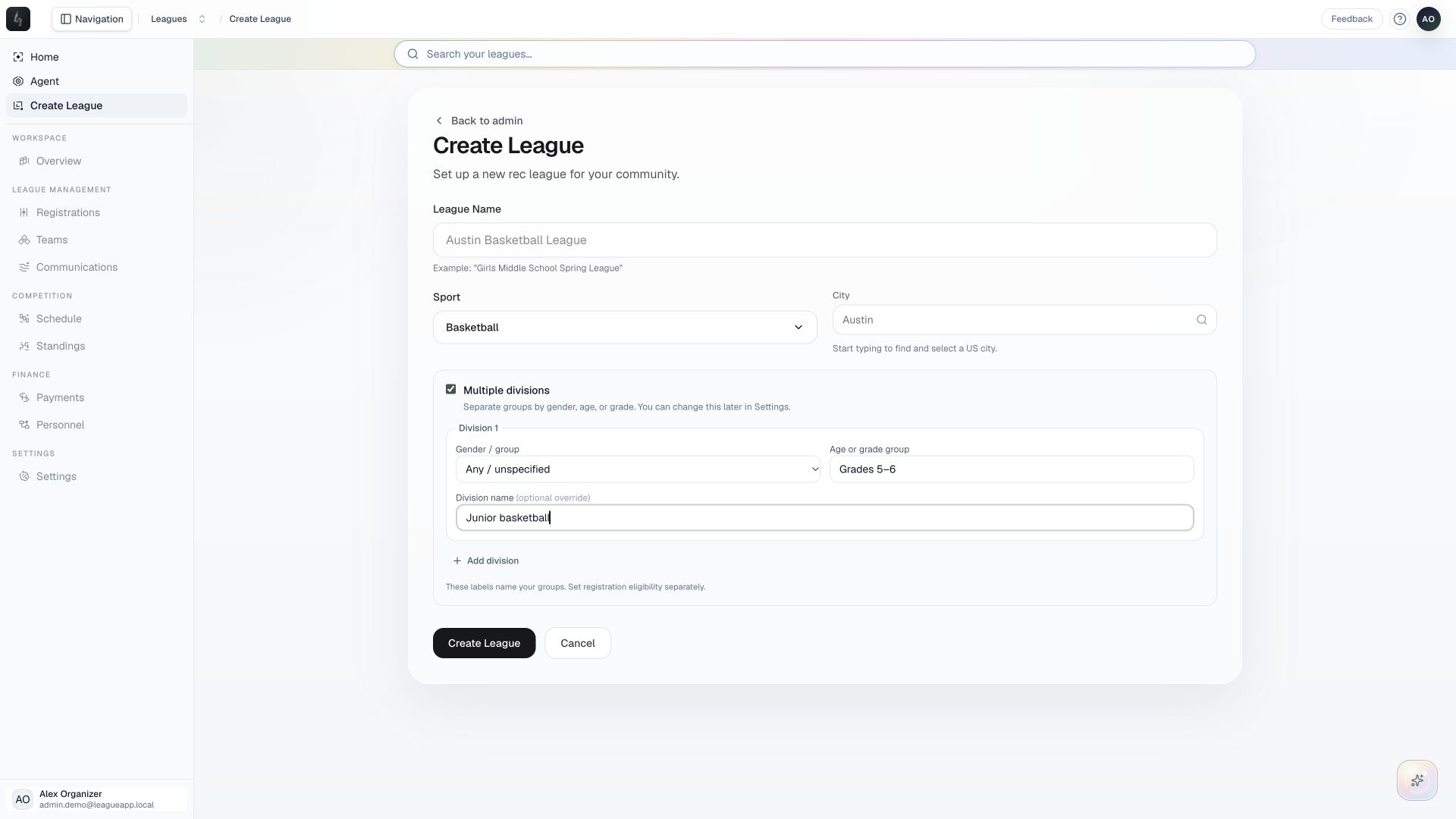
- In a multi-division league, open a division to manage its registrations, teams, and competition.
- Check the header’s season and division selectors before changing program settings or assigning players.
Things to check
The first season is created with the league. The Set up next season action is currently marked Coming soon; it is not available from this screen yet.
League settings provide defaults for new divisions. Editing those defaults does not overwrite the settings of existing divisions.